Instagram Company Account: Setup Checklist for Teams
02/14/2026

If your Instagram company account setup depends on “who has the password,” you are one lockout, staff change, or 2FA reset away from a stalled launch. The goal for teams (and agencies working with clients) is a setup that is owned, secure, role-based, and easy to audit.
This checklist is built for 2026 realities: multiple stakeholders, cross-platform publishing, and compliance pressure, with minimal friction.
What an “Instagram company account” should be in practice
For most organizations, “Instagram company account” means an Instagram Professional account set to Business, connected to Meta so you can manage people, permissions, ads, and publishing without sharing credentials.
Key principles to align on before you touch settings:
- Client-owned / company-owned assets: The brand should own the Instagram account, not an employee’s personal profile.
- Named users: Every person who works on the account uses their own identity.
- Least privilege: Give the minimum permissions needed for the job.
- No password sharing: It breaks auditability and increases account recovery risk.
For reference, Meta’s documentation uses “Professional account” as the umbrella term, with Business and Creator options. Businesses typically want the Business option for contact methods and commerce features. See Meta’s help resources starting at the Instagram Help Center.
Pre-flight: 10-minute decisions that prevent weeks of cleanup
Before you run the setup steps, agree on these inputs. This is where most teams go wrong.
1) Define ownership and an internal “account owner”
Pick one accountable owner (role, not a person) for approvals and escalations.
Examples:
- In-house team: Head of Marketing or Brand Director owns the asset.
- Agency model: Client owns the asset, agency gets partner access (recommended).
2) Set security baseline (non-negotiables)
Instagram access issues are frequently identity and security issues, not “platform bugs.” Establish:
- 2FA enabled for all admins and anyone with elevated permissions.
- Recovery email and phone are controlled by the company.
- A shared password manager is not a substitute for role-based access.
Meta and Instagram both document 2FA and security practices in their help centers (start at the Meta Accounts Center and Instagram security articles).
3) Decide how the team will work (workflow, not tools)
Agree on:
- Publishing cadence and who approves posts.
- Who responds to DMs and comments (and escalation rules).
- Who owns reporting (and which metrics define success).
This matters because your permissions and handoffs should match the workflow.
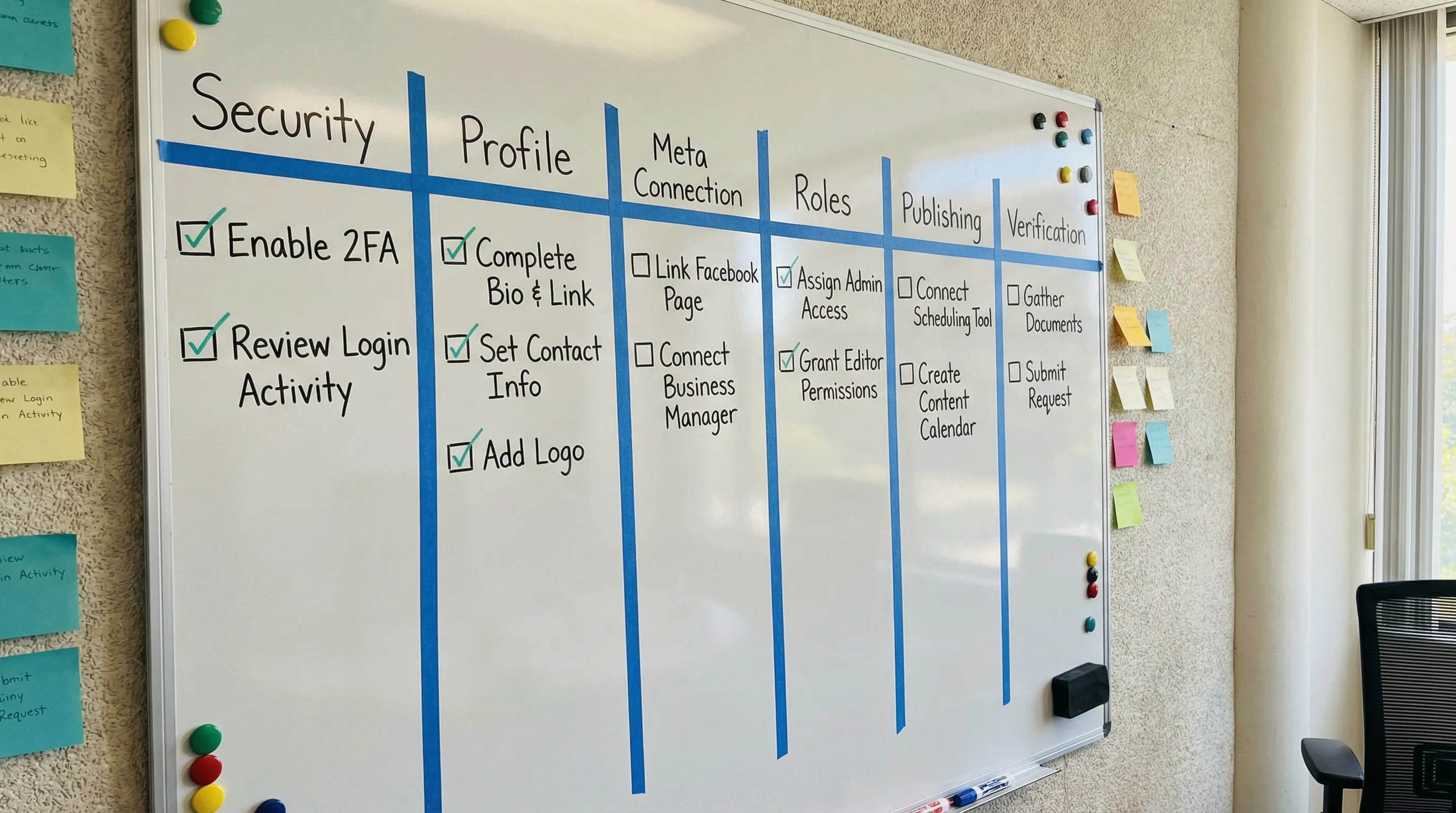
Instagram company account setup checklist (team-ready)
Use this as your “definition of done.” The fastest teams treat it like a launch gate.
| Checklist area | Owner (suggested) | Where it happens | Done when |
|---|---|---|---|
| Handle and account ownership | Brand owner | Instagram app | Account is company-owned, handle finalized, recovery details set |
| Convert to Business | Social lead | Instagram settings | Professional account set to Business, category selected |
| Profile fundamentals | Brand + social | Instagram profile | Bio, logo, link-in-bio, contact methods, address (if needed) complete |
| Security baseline | Ops or IT | Instagram + Meta | 2FA on, admins verified, recovery email/phone controlled |
| Connect to Meta | Paid + ops | Meta Business Suite / Business settings | Instagram connected to the correct Page and business portfolio |
| Role-based access | Ops | Meta business settings | Named users added, roles match responsibilities |
| Ads readiness | Paid media lead | Meta Ads Manager | Correct ad account access, payment method owned by brand, policies reviewed |
| Measurement | Analyst | Site + Meta | Link tracking standard (UTMs), conversion events defined for reporting |
| Governance and audit | Ops | Internal SOP | Quarterly access review cadence and offboarding steps documented |
Step 1: Create (or convert) the account correctly
If you are starting fresh, create the account with a company-controlled email address (not an employee’s personal email). If the account already exists, the main goal is to confirm it is:
- A Professional account set to Business.
- Recoverable by the company.
- Not dependent on one person’s phone.
Meta provides official steps for switching to a professional account in Instagram’s help documentation (see the Instagram Help Center).
Step 2: Complete the profile like a business asset (not a personal page)
This sounds basic, but incomplete profile setup creates downstream friction in ads, support, and conversions.
Minimum standard for teams:
- Consistent brand name and category.
- Contact methods (email, phone, address) that route to the right team.
- A single, governed link-in-bio destination (and a process to update it).
- Brand visuals (logo, highlight covers if you use highlights) that match your design system.
Step 3: Connect Instagram to Meta the right way
For any team that runs ads, collaborates with agencies, or needs governance, connecting to Meta is the difference between scalable access and constant credential drama.
What “right way” means:
- Instagram is connected to the correct Facebook Page.
- The business has a Meta business container (often called a business portfolio/business account in Meta UI) where people and permissions are managed.
- Access is granted through people and roles, not by sharing logins.
If you need a deeper Meta-side workflow, use this related guide: Meta Business Setup: Secure Access Steps for Agencies.
Step 4: Define roles and permissions for your team (least privilege)
Instagram permissions get confusing because some work happens in Instagram, and some happens in Meta (publishing tools, ads, asset permissions). The practical fix is to assign access based on job function, then verify each person can do what they need.
A simple team permission model:
| Team function | Typical responsibilities | Recommended access approach |
|---|---|---|
| Social publisher | Post, Stories/Reels, manage calendar | Instagram access for publishing, avoid admin-level control unless required |
| Community manager | Reply to comments/DMs, moderation | Access focused on inbox and moderation tasks, with escalation rules |
| Paid media | Ads using IG placements, creative testing | Meta Ads Manager access plus IG asset access via Meta |
| Analyst | Reporting, insights, QA | Read-oriented access where possible, plus access to insights/reporting surfaces |
| Admin/ops | Adds/removes users, security, audits | Smallest possible admin group, enforce 2FA and periodic review |
If your work involves partner access (agency model), align on the “client owns assets, agency gets partner access” approach used across Meta platforms. This reduces risk and simplifies offboarding. Connexify’s Meta-specific checklist can help you standardize that model: Facebook Business Manager Access: Client Onboarding Checklist.
Step 5: Make ads and publishing “launch-ready”
Even if you are not running ads on day one, set the account up so you can.
Ads readiness checks:
- Instagram is available as a placement in the right Meta ad account.
- Payment method ownership is clear (client-owned in most agency setups).
- You know who can approve spend changes.
Publishing readiness checks:
- You know where content will be reviewed and approved.
- Asset storage is centralized (logos, brand guidelines, templates).
- There is a clear escalation path for sensitive comments and DMs.
Step 6: Establish measurement hygiene (so reporting is not guesswork)
Instagram performance discussions get messy when there is no measurement contract. For teams, the goal is not perfect attribution, it is consistent, explainable reporting.
Minimum measurement standard:
- UTM conventions for any link-in-bio changes and campaign links.
- A shared definition of outcomes (leads, signups, purchases, booked calls).
- A weekly reporting cadence and owner.
If you want a broader measurement system, Connexify’s operational perspective is covered here: Internet Advertisements: What to Track and Why.
Team verification sprint (15 minutes that prevents “it doesn’t work”)
After setup, run a short live verification. The goal is to prove access and responsibilities, not debate strategy.
Verify:
- Each named user can access the account through the intended path (Instagram app, Meta Business Suite, Ads Manager).
- The paid media owner can see Instagram placements.
- The community manager can access the inbox and respond.
- Admin can remove a user (offboarding test) and confirm 2FA is enforced.
This is the same operational idea agencies use as a “time-to-verified-access” SLA, because access that is not verified is not real.
Common Instagram company account setup blockers (and clean fixes)
These are the issues that typically derail teams.
“We can’t connect Instagram to the right Page”
Most often:
- The wrong Facebook Page is selected.
- Someone lacks sufficient permissions in the Meta business.
- The account is tied to the wrong identity.
Fix: confirm the business container and Page ownership first, then reconnect.
“Someone left the company and now we are locked out”
This happens when:
- The recovery phone/email belongs to a former employee.
- There is one admin and they are gone.
Fix: enforce company-controlled recovery details and maintain at least two admins with 2FA.
“The agency needs access but the client won’t share passwords”
Good. Password sharing is the risk.
Fix: use partner access and scoped roles through Meta. If you need the Meta-side standard operating procedure, start with: Meta for Business: Permissions, Roles, and Safe Access.
How to operationalize this checklist across clients (or internal brands)
If you run this setup once, it is manageable. If you run it every month for new clients, new markets, or new brands, manual coordination becomes the bottleneck.
A scalable approach is to turn the checklist into a single, branded onboarding flow that collects exactly what you need (handles, IDs, contacts, permissions) and routes it to the right owners.
Connexify is designed for that “onboarding as a product” layer:
- One-link client onboarding with a branded experience
- Multi-platform support (useful when Instagram is only one part of the stack)
- Customizable permissions and secure handling
- White-label options for agencies
- API and webhook integrations to trigger tasks in your existing systems
- No installation required, plus a 14-day free trial
If your team wants to standardize Instagram access alongside Meta, TikTok, Pinterest, analytics, and CRMs, start with a demo or trial at Connexify.
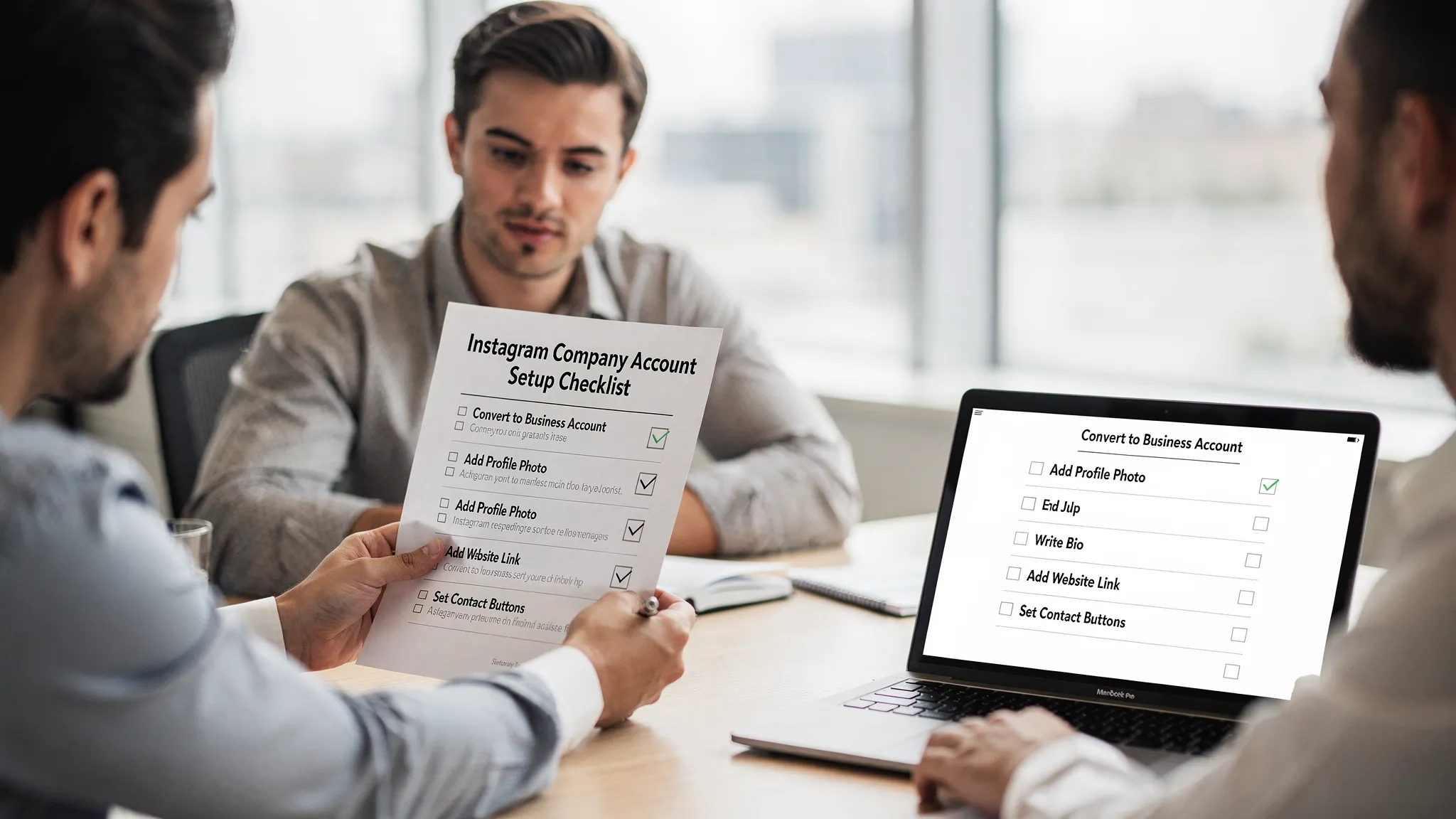
The real “done” definition: secure access + repeatable handoff
An Instagram company account is not “set up” when the profile looks good. It is set up when:
- The company owns the account and recovery paths.
- Access is role-based and auditable.
- Ads, publishing, and reporting work end-to-end.
- Offboarding is easy.
Treat this checklist as a launch gate, then automate it when it becomes repetitive. That is how teams ship faster without accumulating access risk.