Launching a TikTok Marketing Agency: Onboarding Essentials
12/25/2025

If you are building a TikTok marketing agency in 2025, your biggest early differentiator will not be a clever hook or a viral challenge. It will be how fast you get clients live with clean, secure access and accurate measurement. Every day you shave off onboarding brings you closer to first impressions, first learnings, and the first proof of ROI.
This guide gives you the onboarding essentials to launch with confidence. You will find the exact bill of materials to request, recommended least‑privilege permissions, a 60‑minute onboarding sprint you can run on every kickoff, and the automation blueprint that turns onboarding from a blocker into a selling point.
Why TikTok onboarding makes or breaks agency launches
TikTok campaigns add a few wrinkles compared with other social platforms. Creative and creator workflows are tighter, Spark Ads require ad authorization from brand or creator posts, and measurement hinges on correctly configured web events or app events. Any missing permission or misfiring event delays everything. Onboarding is where you remove this risk, set expectations, and prove your operational maturity from day one.
Clients notice when you:
- Explain exactly what you will need, why it is needed, and who should own it.
- Collect access with least privilege, not blanket admin everywhere.
- Verify events and access live on the kickoff call, not a week later.
- Automate the handoff to delivery so ads, analytics, and creative are unblocked within hours.
The TikTok onboarding bill of materials
Prepare a clear, client‑friendly list that maps to your service packages. At minimum, request the following assets and confirmations:
- Business Center ID, the client should own Business Center and retain ownership of assets.
- Ad Account ID, including confirmation of currency, time zone, payment method, and account spending limit.
- Web measurement, TikTok Pixel ID and, if used, Events API credentials or gateway details.
- App measurement, if running app campaigns, confirm app store links, MMP integration, and app events mapping.
- Catalog or product feed, for dynamic ads, confirm feed URL, format, and update schedule.
- Spark Ads authorizations, access to the brand TikTok account and any creator post ad authorization codes you will boost.
- Creative and brand assets, logo, brand guidelines, sample hooks, mandatory disclosures, music licensing constraints.
- Legal and compliance flags, regions, data residency rules, consent management platform behavior for web events.
- Points of contact, business owner for approvals, technical contact for website or app, finance contact for billing.
Send this as a single, branded link so the client can complete everything in one sitting, then verify live on the kickoff call.
Recommended permissions for least‑privilege access
TikTok permissions change over time, and the names can vary by interface. The principle is stable. The client should own assets in Business Center. The agency should receive the minimum role required to do the job, escalating only when needed for a short, documented reason.
| Asset | Who should own | Minimum permission to start | When to request more |
|---|---|---|---|
| Business Center | Client | Member or equivalent, no global admin required | Only if you must create or restructure assets, and only for the duration of that task |
| Ad Account | Client | Operator or equivalent, can create and manage campaigns | Admin if you must manage billing or add users, then de‑escalate |
| Pixel or Events | Client | Edit or equivalent, can configure events and test | Admin if you must create new pixels or integrations, then de‑escalate |
| Catalog | Client | Edit, can connect and map feeds | Admin only for one‑time setup if catalog creation is required |
| TikTok Account for Spark Ads | Client or Creator | Ad authorization for specific posts | Wider account authorization only if the client requests always‑on Spark boosting |
Document who requested each escalation, the business reason, and the date you return to least privilege. Build this into your SOP and client communications.
The 60‑minute TikTok onboarding sprint
Run this sprint on every kickoff. It sets the tone, eliminates rework, and gets you to first tests quickly.
- Preflight confirmation, before the call, confirm you have the Business Center ID, Ad Account ID, Pixel ID, and any Spark authorization codes. If anything is missing, flag it in the calendar invite so the right people join.
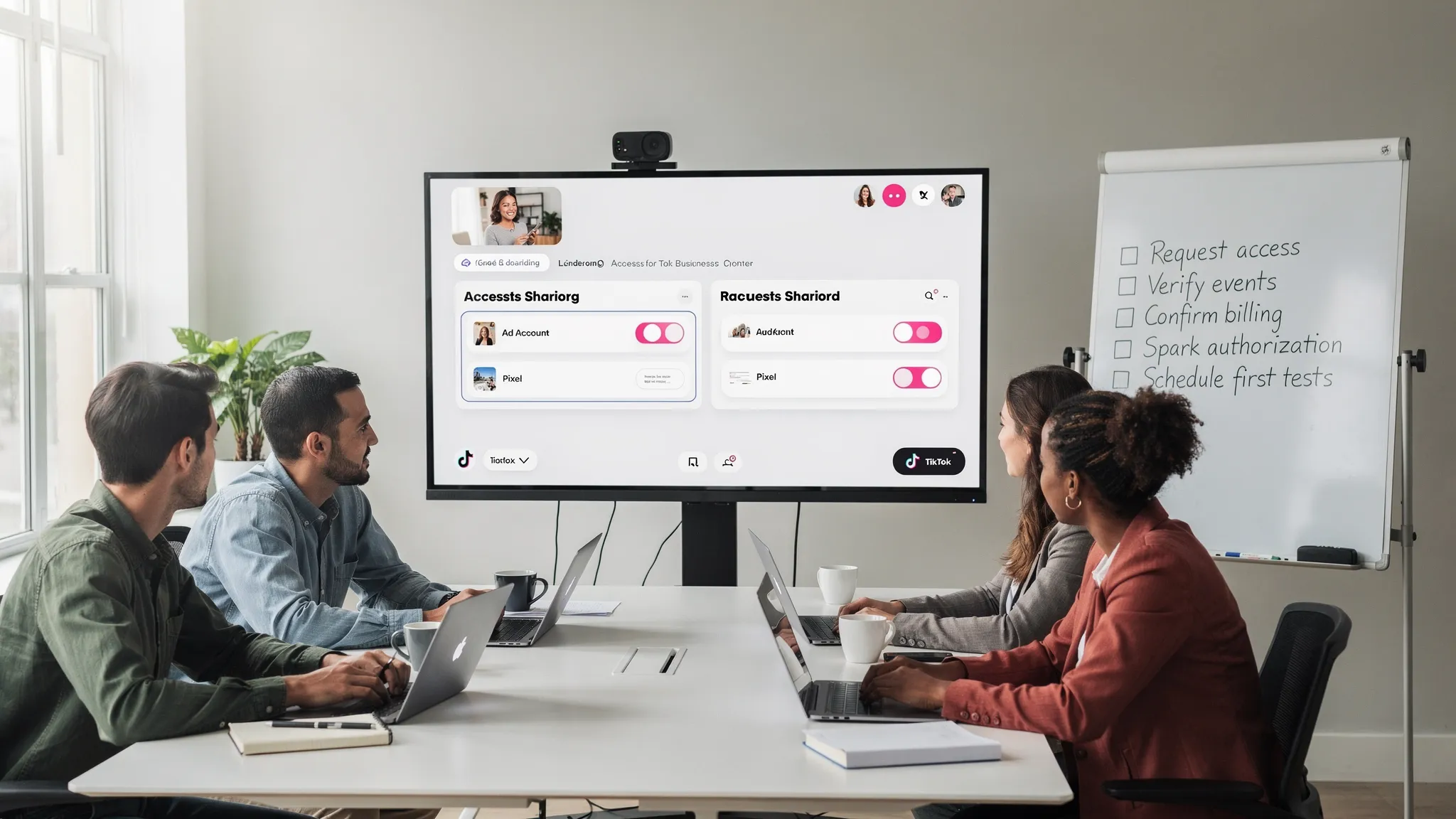
- Secure access check, during the call, the client shares screen and confirms your agency Business Center or user has the expected roles for the Ad Account, Pixel, and Catalog. Name the people who have access and turn on multi‑factor authentication where available.
- Events verification, open the site in a test profile and fire key events. Confirm the Pixel receives PageView, ViewContent, AddToCart, and Purchase or your equivalents. If using Events API, test deduplication with matching event IDs. Capture screenshots in your kickoff notes.
- Billing guardrails, confirm who owns the payment method, the current account spending limit, and the change control process. Add a daily campaign budget cap for the first week to protect the client during testing.
- Creative and Spark readiness, confirm your first creative batch and Spark post links or authorization codes. Align on voice, disclaimers, and approvals. Agree on a first test plan, number of hooks, and learning goals.
Immediately after the call, send a short summary and start the first tests within 24 to 48 hours.
Spark Ads onboarding, do not skip this
Spark Ads use existing posts from a brand or a creator. That means you need ad authorization for specific posts before you can promote them. Include Spark approvals in your bill of materials and your kickoff agenda. Decide with the client whether you will primarily boost brand posts, creator posts, or both. Clarify how long codes remain valid, who generates them, and how you will store them securely. For creator collaborations, align on whitelisting, disclosure, and any usage windows.
Measurement, privacy, and risk checks
Your first week lives or dies on whether measurement is clean.
- For web, map your conversion events to what the business cares about, not just Purchase. Many TikTok accounts win with lead flows, trials, or micro‑conversions such as SubscriptionStart or Contact.
- For Events API, align with the client or developer on how events are generated server side, that you pass event IDs for deduplication, and that you respect user consent across regions.
- For apps, confirm your MMP integration and event mapping before creative goes live. Name the canonical source for attribution in your reports.
- For consent, confirm how the site or app behaves in regions with consent requirements. Your agency should not bypass the client’s policy. Document any gaps and a remediation plan.
Automate the busywork, ship campaigns faster
Manual onboarding is where agencies lose days and confidence. Productize your flow so every client sees the same, polished experience and your team spends time on creative and learning, not copy‑pasting IDs into spreadsheets.
Here is a simple automation blueprint you can implement this quarter:
- Offer a single branded link that collects the Business Center ID, Ad Account, Pixel, catalog details, Spark authorizations, brand guidelines, and points of contact.
- Use permission templates by service package, paid only, paid plus Spark, ecommerce dynamic ads, app installs, so clients know exactly what they are approving.
- Fire webhooks into your CRM and project management tools when the client completes onboarding, create tasks to run the kickoff sprint within 24 hours.
- Maintain an immutable audit log of who requested what and when, and store screenshots of live verification.
Connexify was built to power this exact workflow. With one‑link client onboarding, a branded experience, customizable permissions, API and webhook integrations, and secure data handling, you can compress setup from days to seconds. There is no installation required, and you can keep it white label for your agency brand. If you are formalizing your SOPs, use our reference, the Client Access in Minutes SOP, then make it your own.
For advanced teams that need custom data pipelines, infrastructure as code, or multi‑cloud event routing for your TikTok stack, consider partnering with experts in DevOps and automation. A competent partner can help you implement streaming pipelines, observability, and security controls that scale. If you need that help, explore DevOps, Cloud Native and Automation consulting to level up your stack.
Common blockers and how to clear them fast
- Business verification pending, ad delivery can be limited until verification completes. Ask the client’s admin to submit documents during pre‑sale and schedule a five minute check-in to confirm approval.
- No payment method or strict spending limits, confirm ownership of billing, then add a temporary limit and a go‑live budget cap to avoid surprise spend during testing.
- Wrong roles for your agency, if you cannot edit campaigns or events, request the smallest escalation that unblocks you, document why, and de‑escalate right after setup.
- Pixel fires but key conversions do not appear, test in a clean browser profile, verify event names and parameters, check for consent blocking, and confirm Events API deduplication.
- Missing Spark authorizations, gather links and codes before the kickoff and store them in a safe, searchable place. Make it part of your one‑link intake.
- Region lock or policy conflicts, align with the client’s legal and privacy owner before launch. Document policy choices and put guardrails in your media plans.
Onboarding KPIs to track from day one
You cannot improve what you do not measure. Track a small set of leading indicators that reflect speed, safety, and clarity.
- Time to first impression, hours from contract signature to the first ad delivery.
- First‑week event health, percentage of required events firing with expected parameters.
- Access errors per client, count of permission escalations and reversions, target zero after week one.
- Spark readiness time, hours from request to receipt of all Spark authorizations for the first test plan.
- Client satisfaction in week one, a two question pulse survey on clarity and confidence.
Review these weekly. Celebrate when you hit your targets and fix the step in your SOP when you do not.
Copy, paste, and send, the client onboarding email
Subject, TikTok onboarding, 30 minutes to go live
Hi [Client Name],
To launch your first TikTok tests right after our kickoff, we need a few items in one place. This takes most teams less than 15 minutes.
- Your Business Center ID and Ad Account ID.
- Your TikTok Pixel ID and, if you use it, Events API details.
- Catalog or product feed URL, if we are running dynamic ads.
- Spark Ads authorizations for any brand or creator posts we will promote in week one.
- Brand assets, logo, do not use list, disclosures, and approvals contact.
Please use this single onboarding link to submit everything. If anything is unclear, we will resolve it live on the kickoff.
Thank you, [Your Name]
Make onboarding your differentiator
Launching a TikTok marketing agency is as much an operational challenge as it is a creative one. Clients will judge you on how quickly you move from signature to signal. Standardize your onboarding bill of materials, run the 60‑minute sprint on every kickoff, and automate the handoff to delivery so creative and testing start the same day.
When you are ready to productize onboarding across TikTok and every other channel you manage, try Connexify. Create a single branded link that captures access, permissions, and assets, push the results into your CRM and PM tools with webhooks, and track progress in a user‑friendly dashboard. Start your 14‑day free trial or book a demo to see how agencies cut onboarding from days to seconds.