Get Pinterest Business Account Access Without Bottlenecks
12/11/2025

Nothing slows a new engagement like waiting on Pinterest Business account access. Threads of emails, screenshots of settings, and incomplete permissions can push launch dates by a week. The good news is that you can remove the bottlenecks with a clear access checklist, a single request, and a predictable workflow that respects security and client time.
What agencies actually need to access on Pinterest
You do not need a client’s password. You need role based access to specific assets so you can work without friction and without violating security norms. Here is a practical view of what teams typically request.
| Asset or task | Access to request | Why it matters |
|---|---|---|
| Ads Manager and ad accounts | Campaign creation and reporting rights | Build campaigns, view spend, and optimize performance |
| Analytics and audience insights | Read access to analytics | Report on outcomes and content performance |
| Organic boards and Pin publishing | Publishing and editing rights | Plan content, schedule Pins, and manage brand presence |
| Pinterest Tag or conversions setup | Ability to install or verify tracking | Measure conversions and enable optimization |
| Catalogs and product feeds | Manage or read catalog connection | Enable Product Pins and dynamic ads |
| Billing settings | Client ownership, agency read access if needed | Ensure campaigns can run, while keeping client in control |
For most clients, access is granted inside Pinterest Business settings. Exact labels and menus can change, so verify in the current Pinterest interface.
- Explore Pinterest Business resources: Pinterest Business and the Pinterest Help Center.
The standard way to get Pinterest Business access, step by step
The fastest manual path is a single, well prepared request that spells out scope and timing. Share this with your client and you can usually wrap access in one pass.
1) Confirm the account is a Business account
If your client only has a personal profile, ask them to convert or create a Business account. Direct them to Pinterest’s official guidance in the Help Center. A Business account unlocks ads, analytics, and partner access.
2) Align on the exact scope you need
List the assets and permission level before you ask. Keep it lean. For example, full campaign control for the ad account, read access for analytics, and the ability to validate the Pinterest Tag.
3) Have the client grant partner or team access
Inside Pinterest Business settings, the client can add your agency as a partner or invite specific users by email. Ask the client to assign only the roles you listed. If you manage ads and organic, make sure both the ad account and relevant boards are included.
4) Billing ownership stays with the client
Encourage the client to add or verify payment methods directly. If you need to review billing status, request read only visibility. This protects the client and speeds approvals.
5) Install and test tracking
Confirm the Pinterest Tag is present and firing on key events. If the client uses a tag manager, share event names and parameters to implement. Validate in Pinterest’s diagnostics and confirm events appear in reporting after your test conversions.
6) Verify end to end
Open Ads Manager, confirm you can create a draft campaign, check analytics visibility, and validate tag and catalogs. Send the client a brief confirmation note so there is no ambiguity.
Copy and paste request template for clients
Make access a one email task. Adapt the template below and send it before kickoff.
Subject: Pinterest Business access, all in one request
Hi [Client Name],
To get your Pinterest program live without delays, please grant the following access. This keeps your data secure and avoids sharing passwords.
- Confirm your Pinterest profile is a Business account.
- Add our agency as a partner or invite the following users by email: [list of emails].
- Assign these permissions:
- Ad account: campaign creation and reporting
- Analytics: read access
- Boards: publishing and editing for [list boards]
- Conversions: ability to verify Pinterest Tag installation
- Catalogs: manage or read access as required
- Ensure billing is active on the ad account. You retain ownership.
- Reply when this is complete and we will confirm within one business day.
Thank you, [Your Name]
A 10 minute preflight checklist
If you prefer a quick self audit before you ask for access, follow this order and you will avoid most back and forth.
- Identify the ad account and confirm Business account status.
- Decide what must be managed, what can be read only.
- Send a single consolidated request with the items above.
- After approval, test a draft campaign and validate tracking.
- Share a short confirmation email to close the loop.
Common roadblocks and how to fix them fast
- The client has a personal profile, not Business. Ask them to convert or create a Business account in the Help Center.
- You were assigned analytics only. Reply with the exact list of campaign and publishing permissions required.
- Tag is not firing. Confirm installation, event names, and consent settings. Test on a clean browser session.
- Catalog feed errors. Ask for catalog diagnostics and a sample of the data source. Validate required fields and scheduling.
- No billing method on file. The client should add payment details and keep ownership. You can request read only visibility if needed.
- Two factor authentication blocks the invite. Ask the client to ensure team members enable two factor authentication before re sending.
Security and compliance that clients appreciate
- Never share or accept passwords. Use role based access through official Pinterest tools.
- Apply least privilege. Only request what you need to operate.
- Keep an audit trail. Note who has access, when it was granted, and why.
- Encourage the client to review access quarterly. Remove dormant users and vendors.
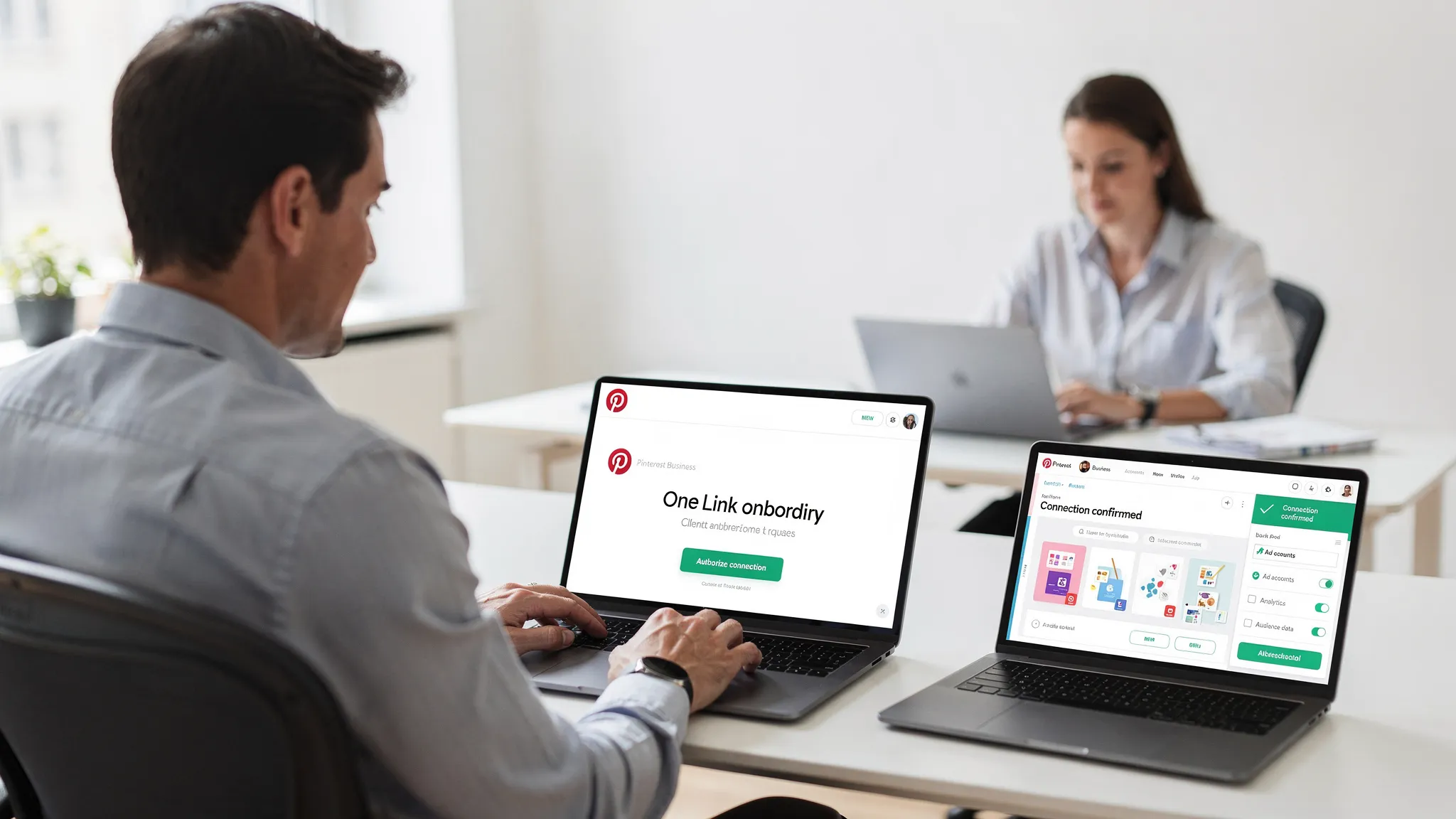
Remove bottlenecks with a one link onboarding flow
Manual invites work, but they still rely on multiple steps and timing. Agencies that want a repeatable, client friendly experience consolidate access requests across platforms into a single branded flow.
That is where Connexify helps.
- One link client onboarding. Send a branded URL that guides clients to grant the exact permissions you need, across the platforms you support.
- Branded and white label ready. Keep the experience on brand, which boosts client trust and completion rates.
- Customizable permissions. Request only what you need for Pinterest and other channels, then store that selection as a reusable profile.
- API and webhooks. Trigger internal workflows when access is granted, for example notifying your team or updating your CRM.
- Secure by design. No installation required, modern security practices, and a user friendly dashboard for your team.
Teams use Connexify to turn onboarding from a multi day chain of emails into a predictable flow that completes in minutes, sometimes seconds, with fewer errors and no password sharing.
Learn more: Connexify
Frequently Asked Questions
Do I need my client’s Pinterest password to manage their account? No, you should never request or use passwords. Ask the client to grant role based access inside Pinterest Business.
What is the difference between a personal and a Business account on Pinterest? A Business account unlocks Ads Manager, analytics, partner access, catalogs, and conversion tracking. Personal profiles do not include those capabilities.
Who should own billing for Pinterest ads? The client should own billing. Agencies can request read only visibility if necessary for reconciliation.
Can I manage organic and paid Pinterest work with the same access? Yes, as long as you are granted the appropriate permissions for boards, analytics, and the ad account.
How long does Pinterest access usually take to secure? With a complete, single request, most clients can grant access the same day. With a one link onboarding flow through Connexify, teams often complete in minutes.
Is there an official place to learn about Pinterest Business tools? Yes, visit Pinterest Business and the Pinterest Help Center for the latest guidance.
Ready to remove Pinterest access bottlenecks?
If you want an onboarding experience your clients will actually complete on the first try, consolidate it into a single, branded link. See how it works in a quick walkthrough.
- Book a live demo: Schedule with Connexify
- Prefer to try it yourself first, start your 14 day free trial: Get started