Online Marketing Company SOPs: Client Access in Minutes
12/09/2025

Client access is the number one bottleneck in week one for almost every online marketing company. Your team is ready to audit, launch, and optimize, yet you are blocked waiting on credentials for ads, analytics, and tagging. The fix is not more back-and-forth emails, it is a repeatable SOP that gets secure access in minutes, not days.
In this guide, you will get a complete, copyable SOP your team can run on every account. You will see exactly which permissions to request, how to communicate them clearly, and how to verify access on the call. You will also learn how to compress the entire process into a single, branded link with Connexify so clients finish onboarding fast.
What “client access in minutes” really means
Speed without clarity creates rework. Define success with five concrete outcomes:
- Access to every required platform before or during the kickoff call
- Least-privilege roles provisioned by default, with a documented approval path for escalations
- Written confirmation of what your team can and cannot do with each access level
- A verification checklist completed live, including a smoke test for data flow and campaign visibility
- An audit trail that shows who requested what, when the client granted access, and how it was verified
When you standardize these outcomes, your first value delivery moves up by days and your client trust increases, because you look prepared and secure.
The Client Access in Minutes SOP (v2025)
Follow these five phases for every new client. Keep this SOP in your knowledge base and paste links into your project templates.
Phase 0, Pre-sale expectations
Set the tone before signatures. Inside your proposal or SOW, include a one-paragraph access clause:
- What you will request on day one (ads, analytics, tagging, and channel access)
- Why you need it, to set up measurement and launch safely
- How you will request it, through a single secure link
- Security posture, least privilege and revocable access on request
This prevents surprises and accelerates response.
Phase 1, Pre-boarding setup
- Build an access matrix for the services you will run, see template below.
- Prepare client-facing copy that explains each permission in plain language.
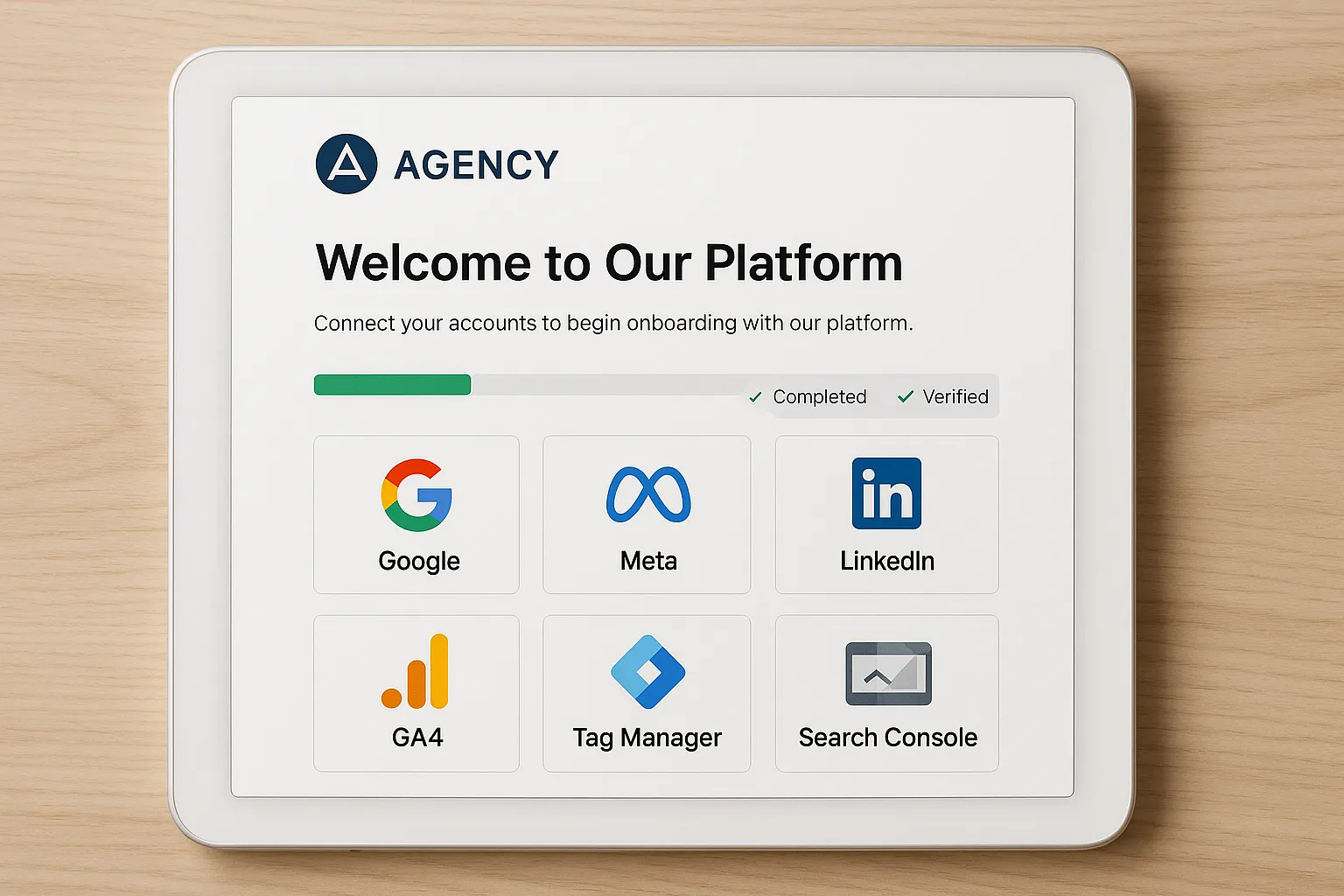
- Generate your one-link onboarding flow, branded for the client, in Connexify so they can complete everything in one place. Learn more at Connexify, https://www.connexify.io.
Phase 2, Send the link and timebox the process
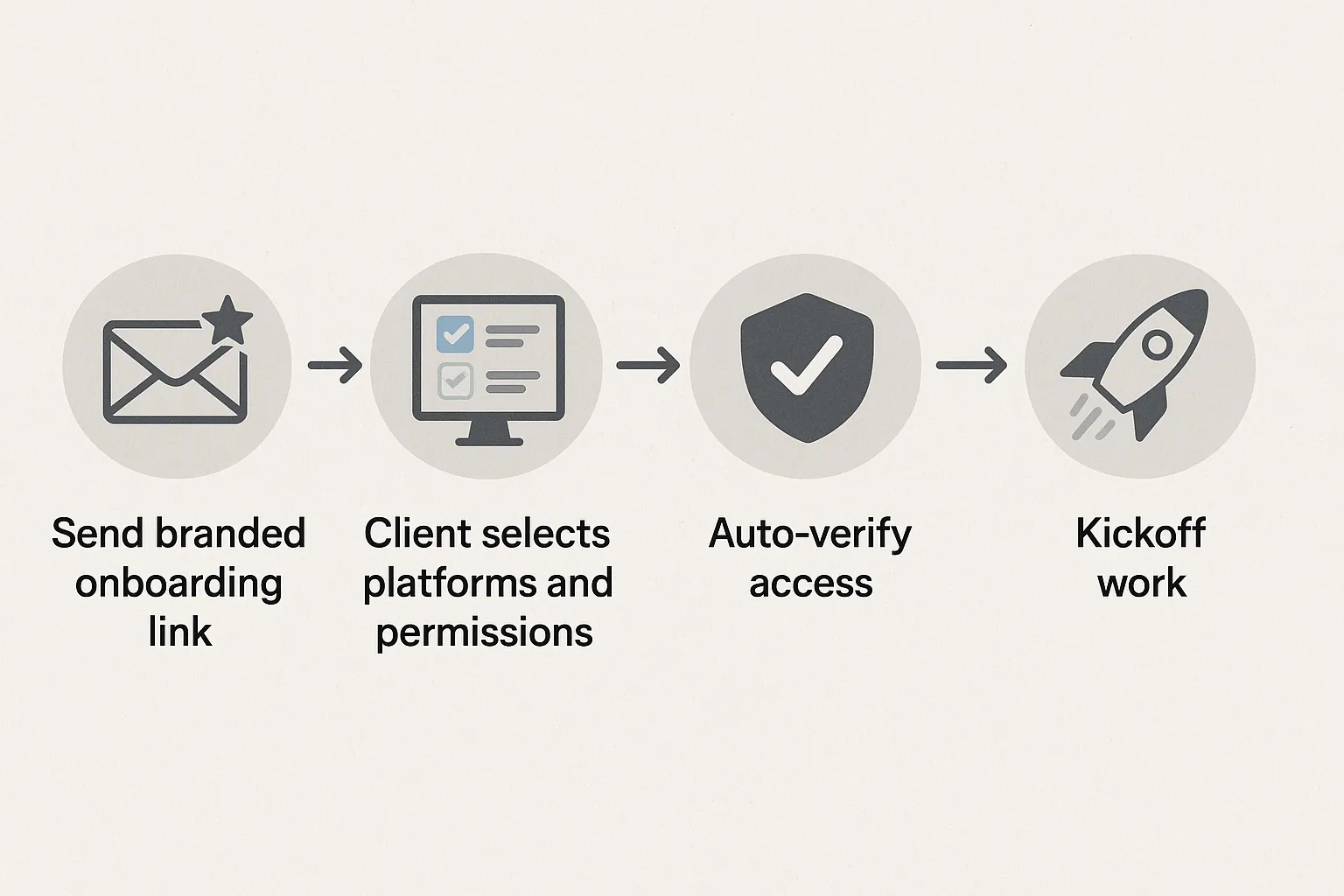
- Send the onboarding link as soon as the agreement is signed, include a 48-hour target for completion and your kickoff date.
- Offer an optional 10 minute screenshare, your team will do the clicks while the client approves.
- If your client uses an internal help desk, provide a pre-filled ticket description they can forward to IT.
Phase 3, Live verification on kickoff
Complete a quick proof for each platform while you are on Zoom or in the room:
- Confirm your team can view and, if appropriate, create a draft object, for example a draft campaign or test tag
- Confirm data is visible, accurate date ranges, currency, and time zone
- Run a smoke test, for example trigger a GA4 test event or preview a Tag Manager container
- Capture a screenshot or log an automated verification note
Phase 4, Governance and offboarding
- Document which users received access and at what level
- Set quarterly reviews, clean up any unused users
- At contract end, remove users and hand off any assets you created
The access matrix you can copy
Use this as a starting point. Platform names and roles change over time, always confirm current labels in the official docs linked here.
| Platform | Why you need it | Minimum day-one permission | Official reference |
|---|---|---|---|
| Google Ads | Audit structure, import conversions, build drafts | Standard for campaign work, Admin only if you must manage users or billing | Google Ads access levels |
| Google Analytics 4 | Read data, validate conversions, build audiences | Analyst for analysis, Editor if you will configure conversions or links | GA4 roles and permissions |
| Google Tag Manager | Preview and publish tags for pixels, conversions, and consent | Container Read, Edit, Approve, Publish for full tagging, Account Admin only if you manage users | GTM user permissions |
| Google Search Console | Index coverage, performance, sitemaps, removals | Full user for reporting, Owner if you must add users or manage advanced settings | Search Console users and permissions |
| Meta ad account, pixel, and pages | Build and measure Facebook and Instagram campaigns | Ad account Advertiser for creation, asset permissions for Pixel and Page as needed | Meta ad account roles |
| LinkedIn Ads | Launch and report LinkedIn campaigns | Campaign Manager or Account Manager depending on scope | LinkedIn Campaign Manager roles |
Security note, follow least privilege as a baseline, then escalate only if your team truly needs higher rights. See NIST guidance on least privilege, NIST SP 800-53 AC-6.
Plain-language permission notes for clients
Your clients are busy. Use this copy in your emails and onboarding link so they can approve confidently.
- Google Ads, We need Standard access to build drafts and manage campaigns. You retain ownership. We will not change billing or add users unless you grant Admin.
- GA4, We need Analyst to read reports. If we are configuring conversions or linking platforms, please grant Editor. We will document any changes in your analytics changelog.
- Tag Manager, We need Publish rights to deploy pixels and conversion tags. We will use Preview to verify first. Admin is only needed if you want us to add or remove users on your behalf.
- Search Console, Full user is enough for reporting. Owner is required for user management or some advanced settings. We will request Owner only if agreed.
- Meta and LinkedIn, We need permissions to create and manage campaigns and to access the pixel or insight tag. You can remove our access at any time.
Client-facing email and message templates
Use these as-is or adapt to your brand voice.
Subject, Access in minutes, your secure onboarding link
Body, Hi [Client Name],
To get your campaigns and measurement live quickly, please use this single secure link to grant access across ads, analytics, and tagging. You can complete everything in about 5 minutes.
[Your branded onboarding link]
What to expect,
- You choose which platforms to connect
- You approve the exact permission level
- We verify access on our kickoff call
We follow least privilege and you can revoke access at any time. If you prefer, we can do this together on a 10 minute screenshare.
Thank you, [Your name]
Slack or Teams nudge, Quick one, the secure onboarding link for permissions is above. Takes 5 minutes and unlocks everything for kickoff on [date]. Ping me if you want me to walk you through it live.
Live verification checklist
Run this at the start of your kickoff and check the boxes in your project tool.
- Google Ads, confirm account currency and time zone, confirm you can create a draft campaign
- GA4, open Realtime and DebugView, confirm you can see test events and conversion definitions
- Tag Manager, preview container, trigger a test event, publish a harmless update when appropriate
- Search Console, confirm property visibility and performance data, verify sitemap status
- Meta or LinkedIn, confirm pixel or insight tag status and ad account access, create a draft campaign
Log results in your onboarding task, attach screenshots when useful.
Common blockers and how to resolve them fast
- Owner is unavailable, ask the owner to delegate to an available colleague with the specific role you need. Include your one-link to streamline the handoff.
- Corporate IT gatekeeping, provide the pre-filled ticket text and list of allowlisted domains for OAuth prompts. Offer a 10 minute call with IT.
- Confusion over roles, include the plain-language notes above and link to the official docs. Start with least privilege to reduce risk concerns.
- 2FA slows approval, remind the client to have their phone ready or to add a backup authentication method before the call.
- Multiple brands or regions, request access at the container or manager level when appropriate, then verify you can see the correct assets.
Measuring the SOP, what good looks like
Use these metrics in your operations dashboard. Improve the SOP quarterly.
| Metric | Definition | Target |
|---|---|---|
| Time to first verified access | Minutes from link sent to first platform verified | Under 60 minutes for most clients |
| Access completion rate | Percent of required platforms verified before or during kickoff | 95 percent plus |
| Email loops per onboarding | Number of back-and-forth messages about access | Under 3 total |
| Days to first value | Signed date to first meaningful deliverable, for example first campaign draft or measurement plan | Under 5 business days |
| Onboarding CSAT | 1 to 5 rating after kickoff | 4.7 plus |
Implementing the SOP with Connexify
Connexify is purpose-built to make this SOP effortless for agencies and service providers. Instead of one email per platform, you send a single, branded link that guides clients through secure access setup across the platforms you choose. Agencies use Connexify to eliminate manual steps, reduce error rates, and shorten onboarding from days to seconds.
Highlights you can leverage today,
- One-link client onboarding, clients complete access to multiple platforms in one simple flow
- Branded onboarding experience, build trust with your logo and custom copy
- Customizable permissions, request least-privilege by default and escalate only when needed
- Supports multiple platforms, bring your marketing stack together in one access flow
- API and webhook integrations, trigger internal notifications or workflows when access is granted
- User-friendly dashboard, track who granted what, and when
- Secure data handling, aligned with least-privilege best practices
- No installation required, your clients do not need to install anything
- 14-day free trial, try it on your next onboarding
You can learn more or start your trial at https://www.connexify.io. Do not invent extra steps for your clients, give them one link and be done.
Frequently Asked Questions
Should we always request admin rights? No. Start with least privilege so clients feel safe. Request Admin only if you need to manage users, billing, or account-level settings that cannot be performed at lower roles.
What if the client has multiple Google Analytics properties or ad accounts? Ask which assets are in scope and verify you can see those. If the client operates a manager or umbrella account, request access at that level to reduce duplication.
Can we verify access before the kickoff call? Yes. Encourage clients to complete the link early. Use webhooks or notifications to alert the team when access is granted, then run a quick internal verification script.
How do we handle security reviews from enterprise clients? Share your least-privilege policy, your offboarding steps, and how access is logged and revocable. Point to official role documentation and offer a brief security call.
What if a platform changes role names? Always link to the official docs in your onboarding materials and keep your access matrix updated quarterly.
How do we ensure access is removed at contract end? Include an offboarding checklist in your SOP. Use your dashboard to list all users and roles, then remove or downgrade access on the termination date and confirm in writing.
Do clients need to install anything to use Connexify? No. Connexify requires no installation for your clients. They complete a simple, branded flow through a secure link.
Make onboarding a competitive advantage
The fastest way to win trust is to remove friction. Use this SOP to make client access a five minute task, then let your team focus on analysis and performance. When you are ready to compress onboarding from days to seconds, try the one-link approach with Connexify.
Book a quick walkthrough or start your 14-day free trial at https://www.connexify.io.