Marketing Online Agency: Setup Checklist for Clients
01/13/2026

When you run a marketing online agency, “winning the deal” is only half the job. The other half is getting to time-to-first-result fast, without awkward back-and-forth for logins, missing brand files, unclear approvals, or broken tracking.
This setup checklist is designed to be shared with clients right after they sign, so your team can launch confidently, reduce delays, and avoid preventable rework.
What “setup” really means (and why clients stall)
Most onboarding delays are not caused by strategy. They come from operational gaps:
- The client is not sure who “owns” which account (ads, analytics, domain, CRM).
- Nobody knows what access level to grant, so they over-grant or under-grant.
- Tracking is incomplete, so performance looks wrong and trust drops.
- Approvals are unclear, so creative and landing pages sit in limbo.
A good setup checklist creates a single source of truth before your first campaign touches spend.
The Client Setup Checklist (copy, send, and track)
1) Assign owners and decision-makers (Day 0)
Before you request access to anything, get clarity on who can approve changes and who can grant admin access.
Define these roles on the client side:
- Executive sponsor (final decision-maker, scope changes)
- Marketing owner (day-to-day, feedback, approvals)
- Technical owner (domain, DNS, GTM, website access)
- Finance/billing (invoices, ad spend payment method)
- Legal/compliance (if regulated, or if claims need review)
If a client can only give you one name, ask for a backup. Most stalls happen when the “one person” goes offline.
| Item to confirm | What you need from the client | Why it matters |
|---|---|---|
| Primary owner | Name, email, timezone | Fast decisions, fewer blockers |
| Backup owner | Name, email, timezone | Prevents delays during PTO/travel |
| Approval method | Email vs Slack vs tool | Avoids “I didn’t see it” loops |
| Approval SLA | Example: 24 to 48 hours | Makes launch timing predictable |
2) Share goals, constraints, and “definition of done”
You do not need a 40-page brief, but you do need a measurable outcome and guardrails.
Ask the client to provide:
- Primary objective (leads, purchases, booked calls, pipeline, retention)
- Top priority offer (what are we selling first?)
- Geographic coverage and exclusions
- Budget ranges (media budget and production budget)
- Brand constraints (restricted claims, banned topics, tone rules)
- Competitors (and “do not mention” lists)
A simple way to lock alignment is to write one sentence and get explicit approval:
“We will consider onboarding successful when we have verified access to all required systems and can accurately measure the primary conversion event end-to-end.”
3) Collect the “Account Access Map” (critical)
Clients often think they can “send logins.” You want the opposite: named-user access and least-privilege permissions wherever possible.
Use this access map to prevent confusion:
| System | Client provides | Recommended access type | Common blocker |
|---|---|---|---|
| Website/CMS (WordPress, Webflow, Shopify, etc.) | Admin owner + editor user(s) | Separate user accounts for each person | Sharing one admin login |
| DNS/Domain provider | Provider name + access grant | Admin to tech owner only | No one knows who controls DNS |
| GA4 | Property access | User access (not shared passwords) | Wrong property, wrong data stream |
| Google Tag Manager | Container access | Publisher access for implementers | No GTM in place |
| Google Ads | Account ID | Admin or Standard (based on scope) | Account not linked to billing |
| Meta business assets | Business portfolio access | Partner access | Client tries to add “people” instead of partner |
| CRM (HubSpot, Salesforce, etc.) | User access + pipelines | Role-based permissions | No agreed lifecycle stages |
| Email sending (if applicable) | Domain + sender setup | Approved sending domain | Unwarmed domain, low deliverability |
For platform-specific rules, rely on the official docs when possible (and send clients direct links instead of paraphrasing UI steps):
4) Verify measurement before you launch spend
In 2026, measurement issues are still the fastest way to destroy early momentum. Your setup should include a short “measurement readiness” pass.
Minimum measurement inputs to collect:
- The primary conversion event (what counts as success)
- The conversion location (website form, checkout, Calendly, phone, in-app)
- The attribution expectations (directionally correct vs finance-grade)
- A test plan (what action will you take to confirm tracking works)
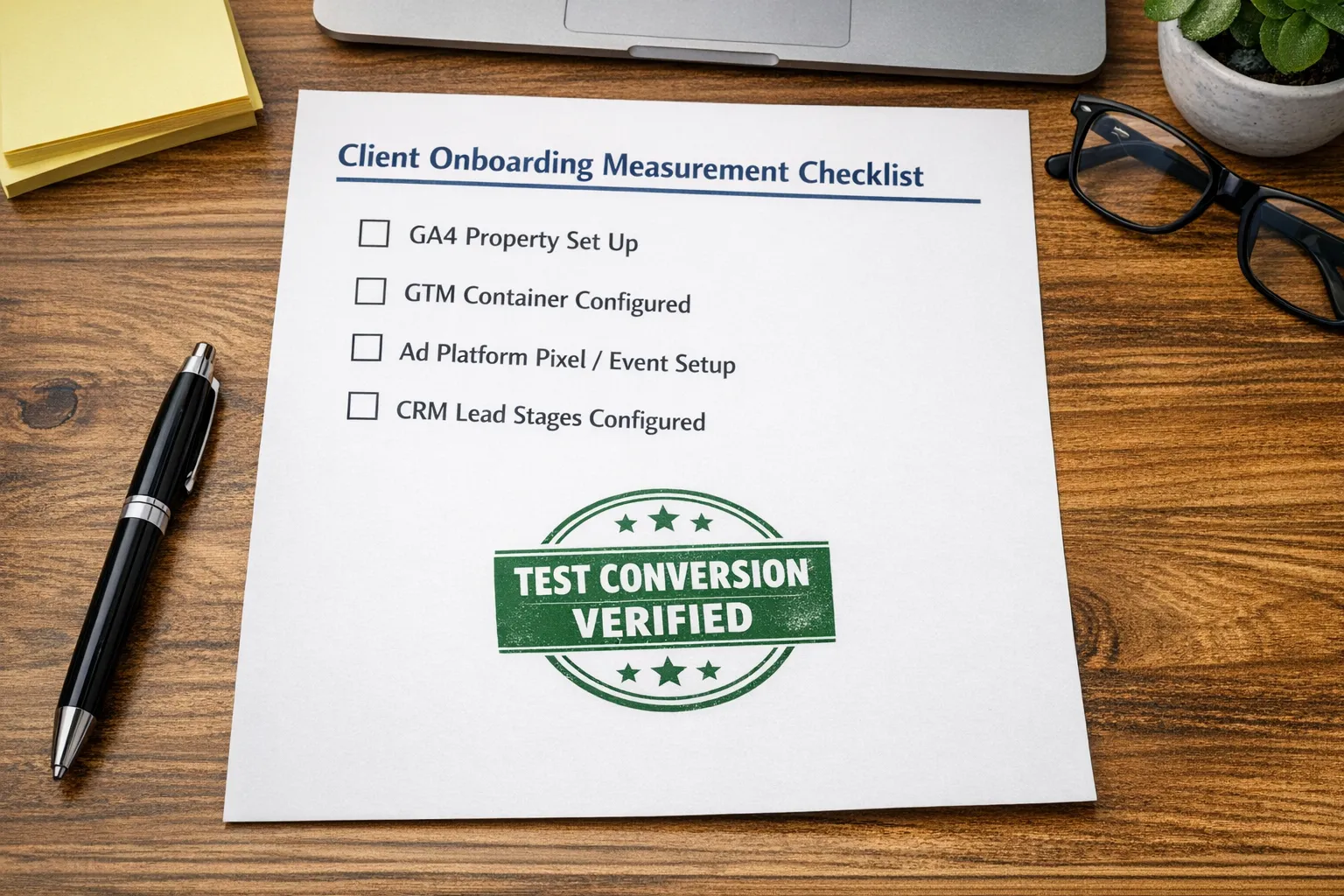
A practical preflight is: “Can we generate a test conversion and see it appear in the right place within an expected time window?”
If paid media is involved, confirm which conversions will be optimized for, and what is considered a valid lead (for lead quality feedback loops).
5) Prepare creative and brand assets in one place
Creative production stalls when assets are spread across inbox threads. Ask clients to provide a single shared folder with clear naming.
Request:
- Brand guidelines (logo usage, colors, fonts, tone)
- Logos in SVG/PNG formats
- Product/service screenshots (if SaaS)
- Past best-performing ads and landing pages (if available)
- Legal disclaimers and required footer language
- Customer proof: testimonials, reviews, case studies, before/after rules
If the client does not have guidelines, ask for “three brands you like and three you dislike” and build a lightweight style baseline.
6) Lock the approvals workflow (so production keeps moving)
Approvals are not a “soft” process. They are a throughput constraint.
Define:
- Who approves copy?
- Who approves design?
- Who approves landing page changes?
- What happens if the approver is unavailable?
- What is the default if the client is silent (pause, proceed, or escalate)?
Keep it simple. Even a basic rule like “one consolidated feedback message per revision” can cut revision cycles dramatically.
7) Confirm billing and spend ownership
Billing confusion creates day-one panic. Clarify:
- Who pays ad spend (client card, client invoiced, agency card with recharge)
- Who owns the ad accounts (client-owned is typically safer for continuity)
- Who pays for tools (landing page builder, call tracking, reporting)
- Invoicing schedule and PO requirements
If the client is enterprise, ask about vendor onboarding requirements early (security review, W-9, NDA, insurance). That process can take weeks.
8) Sales-to-delivery handoff: include what was promised
Your agency should not rely on memory to deliver what was sold. Have the client confirm the core scope in plain language:
- Deliverables for the first 30 days
- Primary channel(s) (search, paid social, email, SEO, outbound)
- Reporting cadence
- Success metrics
If outbound is in scope, some teams add AI to scale top-of-funnel conversations. For example, an AI SDR for LinkedIn outreach can help handle repetitive prospecting conversations while your team focuses on positioning, qualification rules, and closing.
9) Security and compliance checklist (client-friendly)
Clients care about security, but they rarely know what “good” looks like. Set expectations:
- No password sharing, use named-user invites and role-based access
- Enforce 2FA on critical platforms where available
- Remove access when staff leave (client and agency)
- Store sensitive docs in approved systems only
If you work with regulated industries or handle personal data, align on the minimum compliance requirements and where data may be stored.
Turn this checklist into a single branded onboarding link (so nothing gets lost)
A checklist works best when it is centralized, trackable, and easy for the client. If you rely on email threads, clients miss steps and your team wastes cycles chasing.
Connexify is built for this exact workflow: you send one branded onboarding link that guides clients through secure access setup across multiple platforms, with customizable permissions, optional white-labeling, and API/webhook integrations for clean handoffs into your CRM or project management flow. There is no installation required, and agencies can start with a 14-day free trial.
You can learn more or request a walkthrough at Connexify.
A “ready to launch” scorecard you can use on kickoff
Use this as a quick gate in your kickoff meeting. If too many items are “Not ready,” shift the call into a setup session.
| Launch readiness item | Ready | Not ready | Notes |
|---|---|---|---|
| Primary goal and conversion defined | |||
| Client owners assigned (marketing + technical + finance) | |||
| Website/CMS access granted | |||
| GA4 property confirmed | |||
| Tagging plan agreed (GTM, pixels, events) | |||
| Ad account access granted (if applicable) | |||
| Brand assets folder delivered | |||
| Approval workflow agreed | |||
| Billing method confirmed |
The outcome you want: fewer setup calls, faster first results
The best marketing online agency experiences feel calm to the client: clear steps, minimal jargon, and visible progress. This checklist gives you the structure to get there.
If you want to operationalize it, focus on two principles:
- One path for clients to follow (not five tools and twelve emails)
- Verification before launch (access confirmed, tracking proven, approvals defined)
That is how you compress onboarding from “we’ll launch soon” to “we’re live and measuring correctly.”